Build your CV free,
right in your browser.
43 professional templates, live preview, free PDF download with no watermark and no sign-up. Your data never leaves your device.
The CV Builder
Fill in your details, watch the live preview, switch templates with one click, and download a clean PDF.
Start building →43 free CV templates
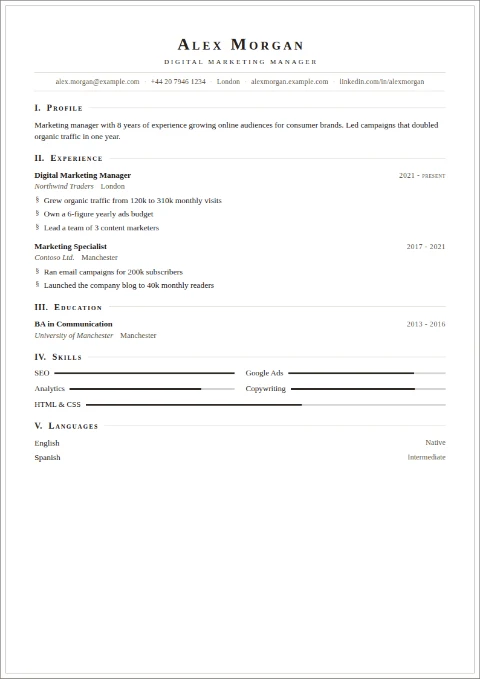
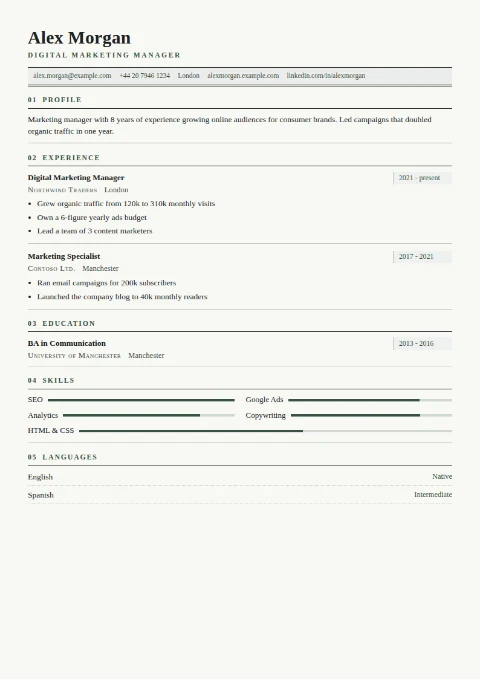
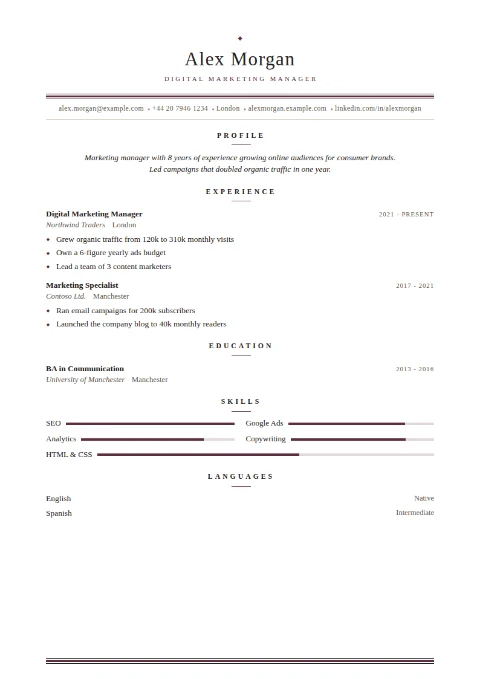
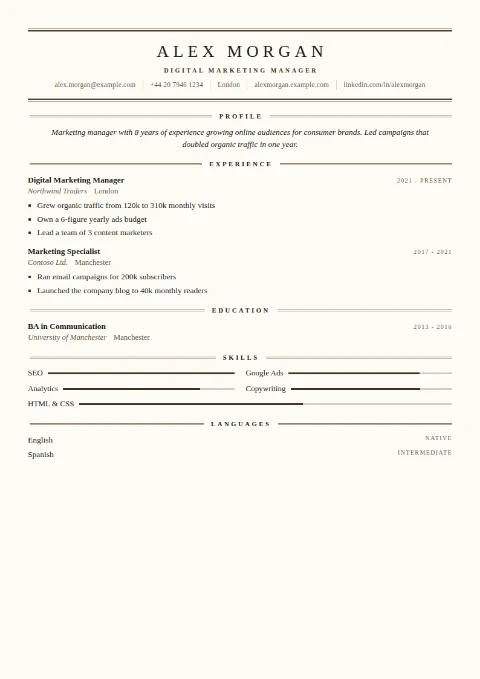
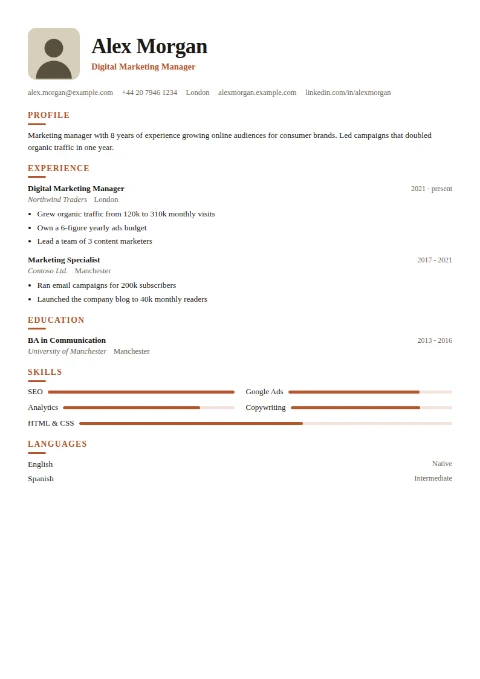
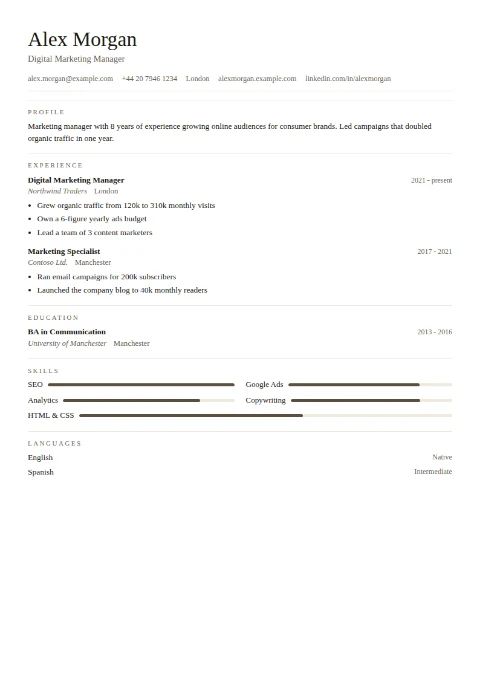
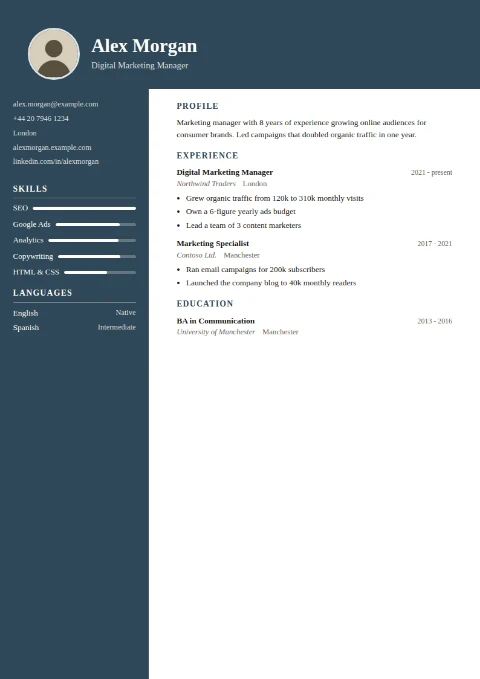
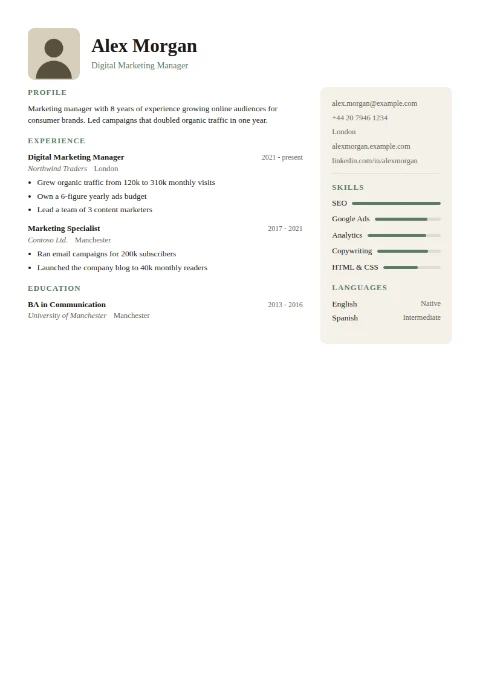
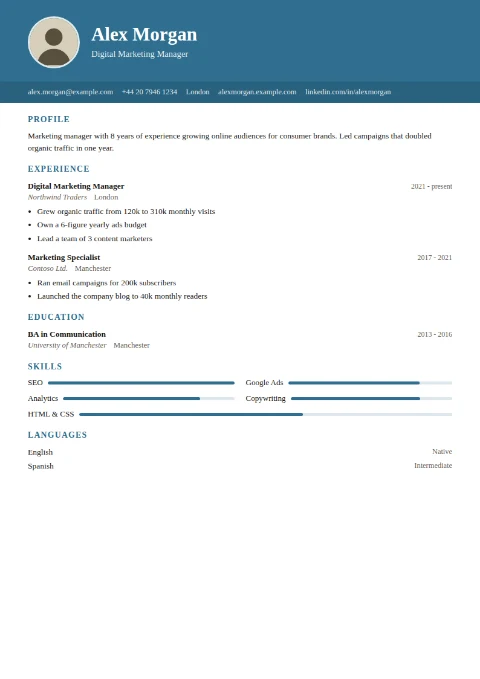
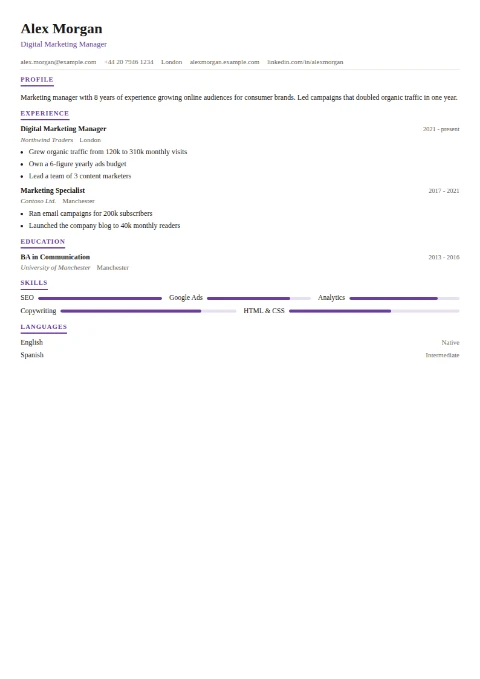
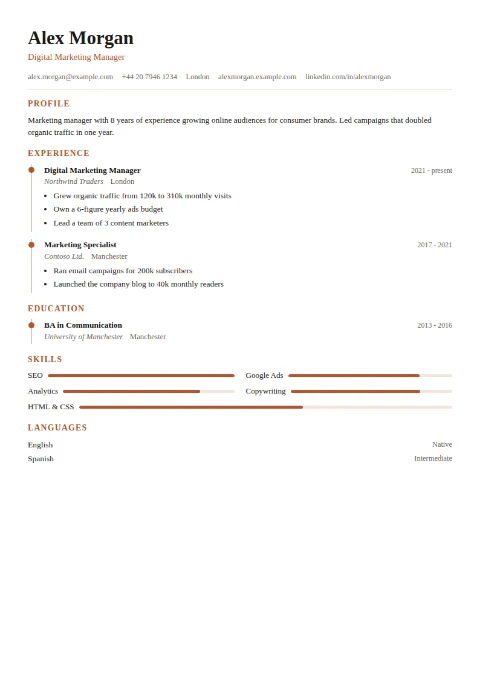
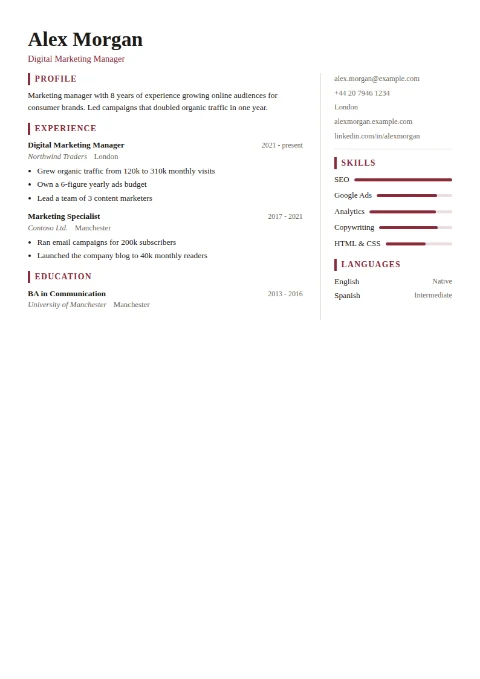
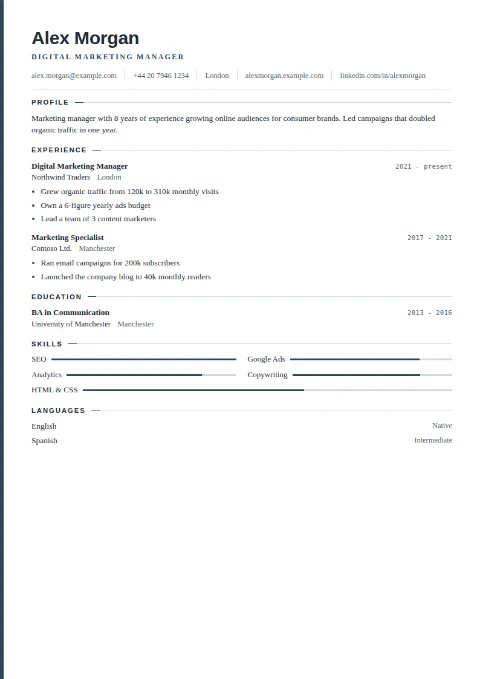
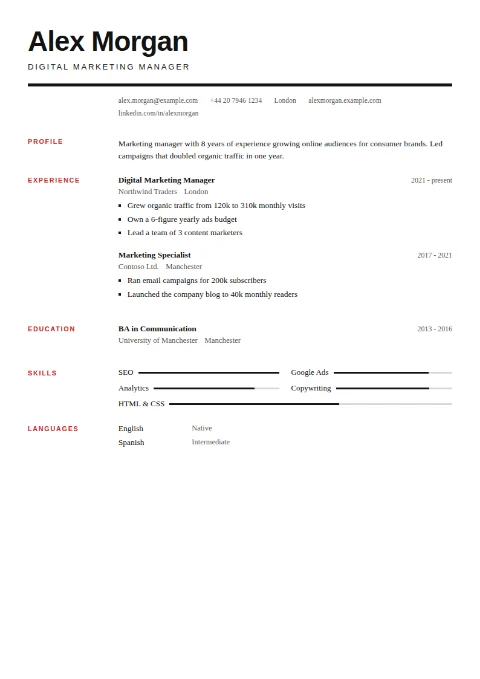
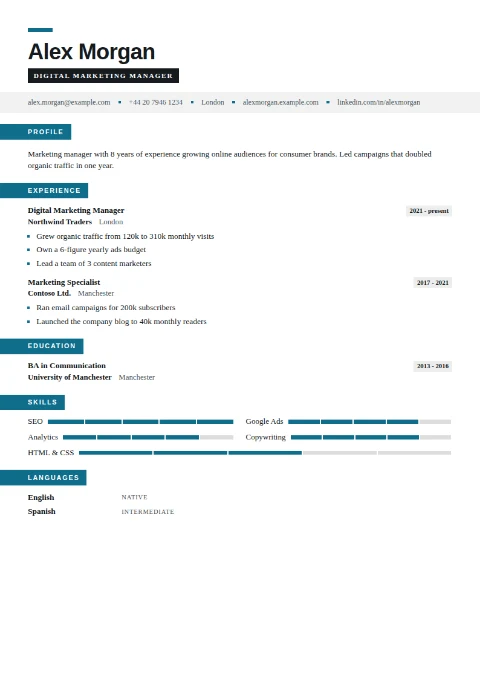
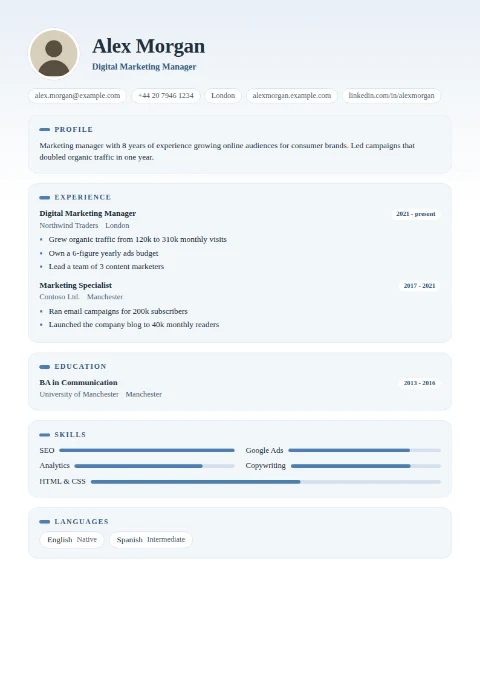
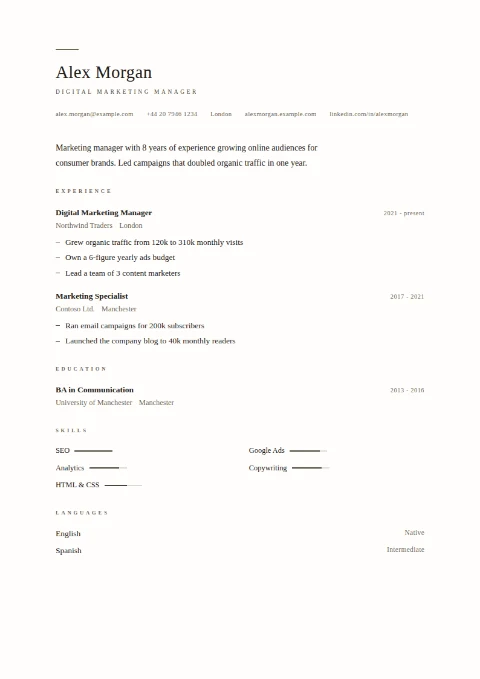
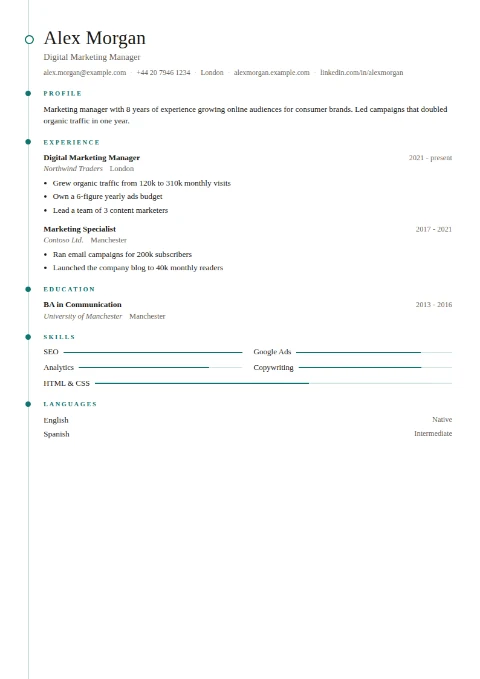
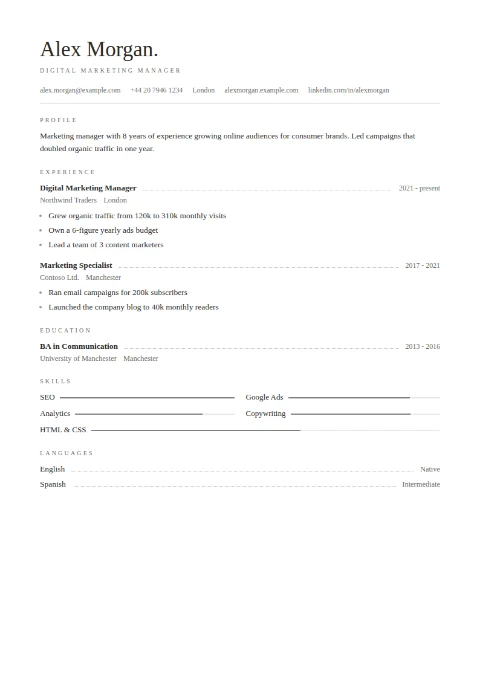
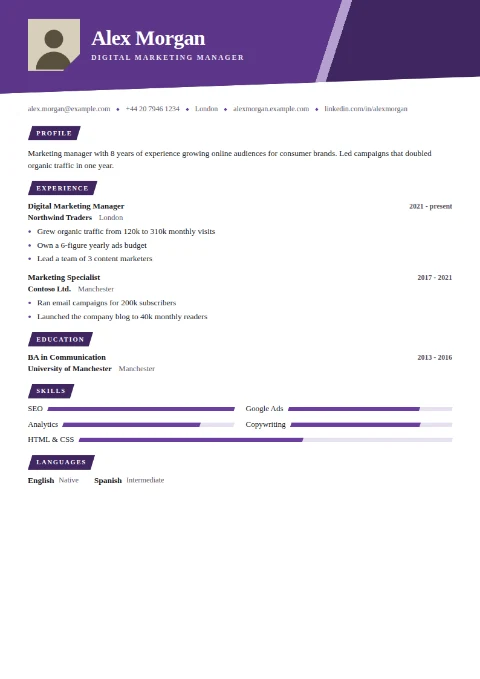
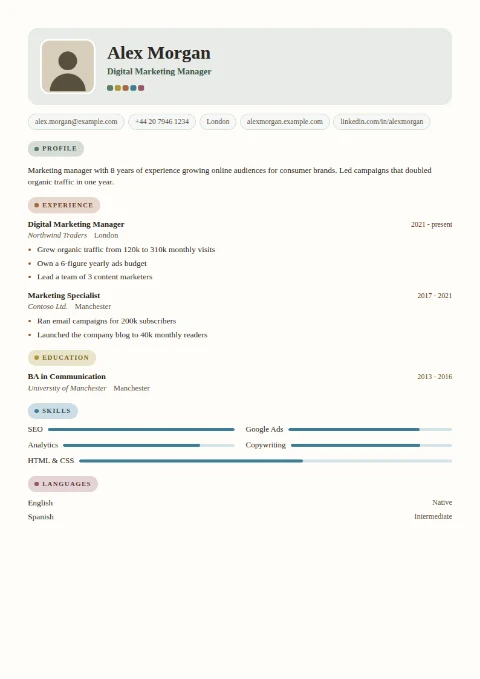
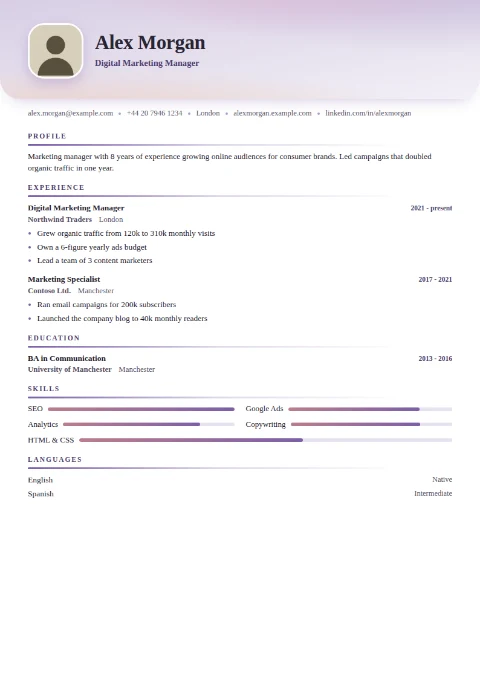
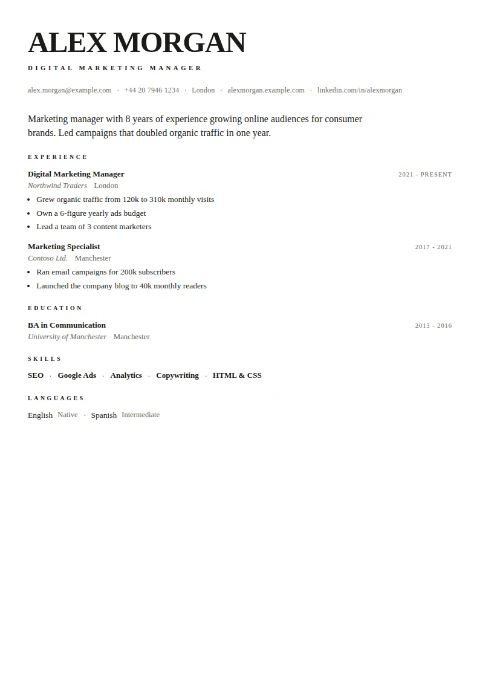
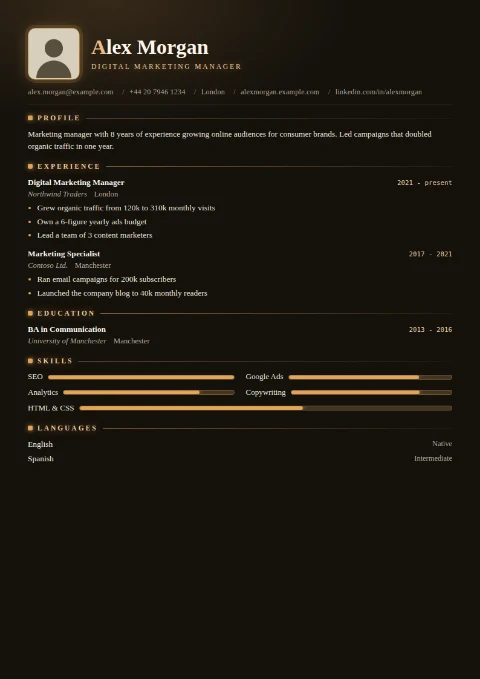
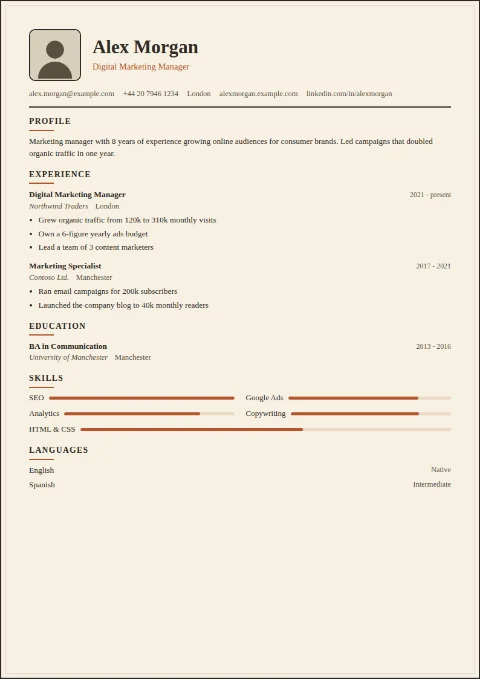
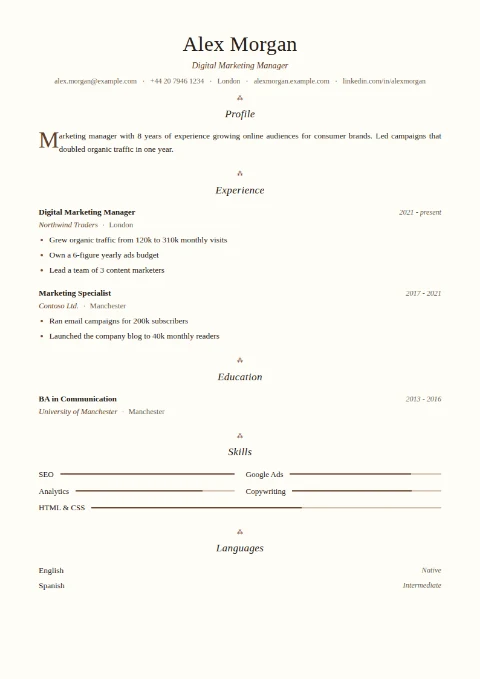
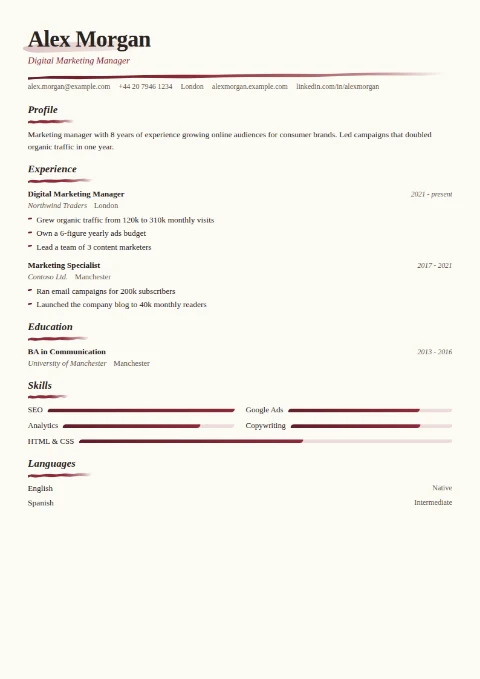
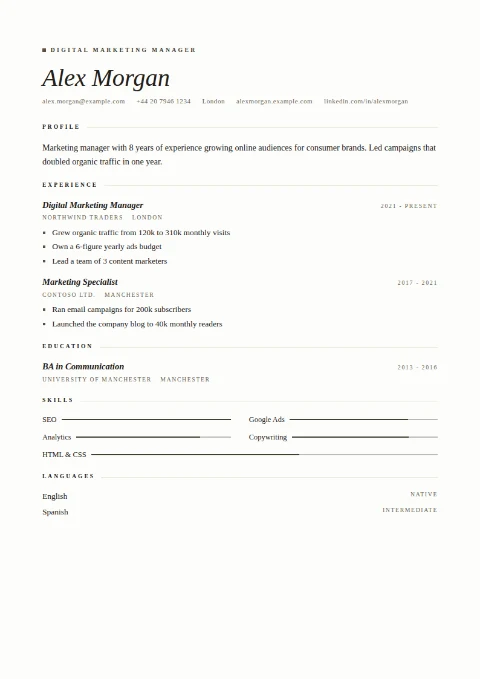
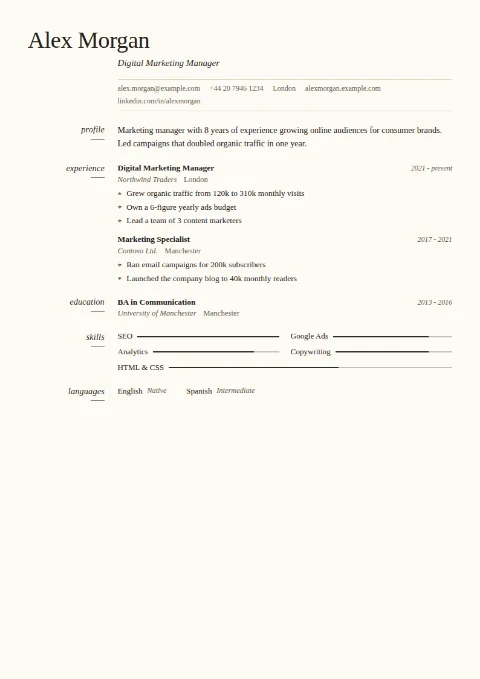
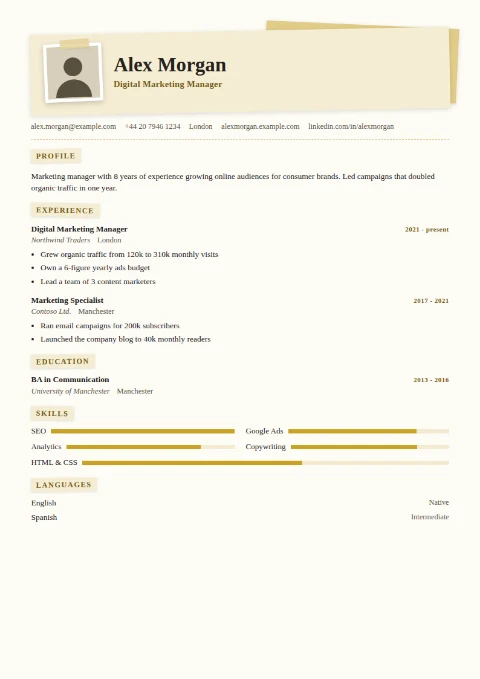
Click any template to start with it. You can switch templates at any time without losing what you typed.
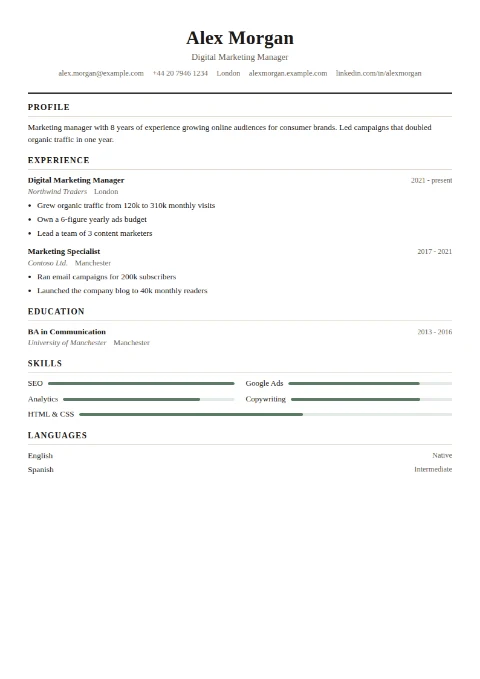
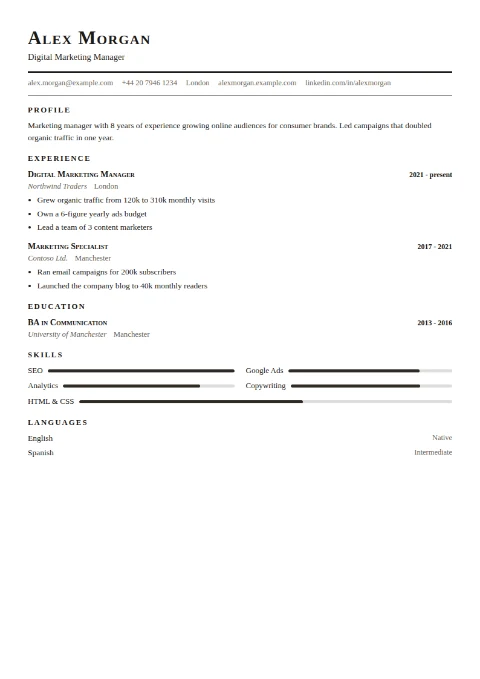
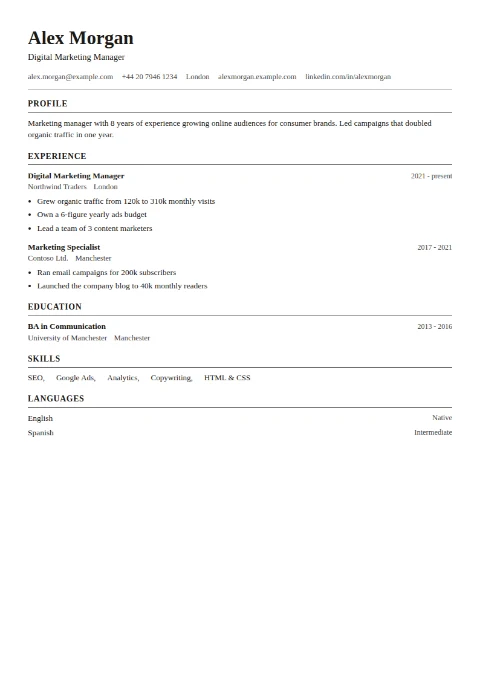
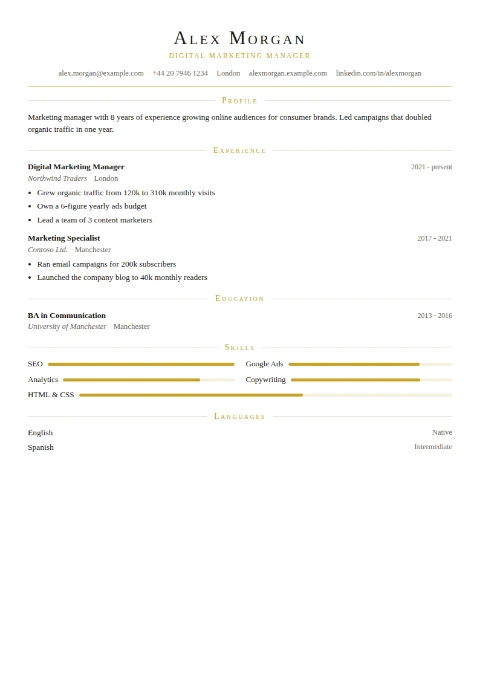
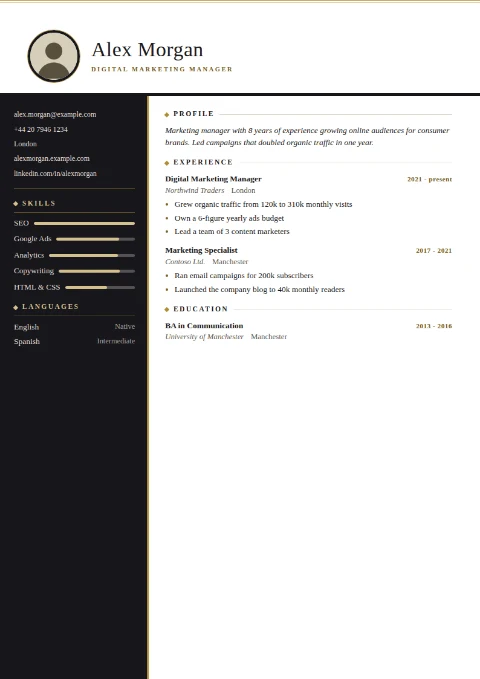
Modern & minimal 17
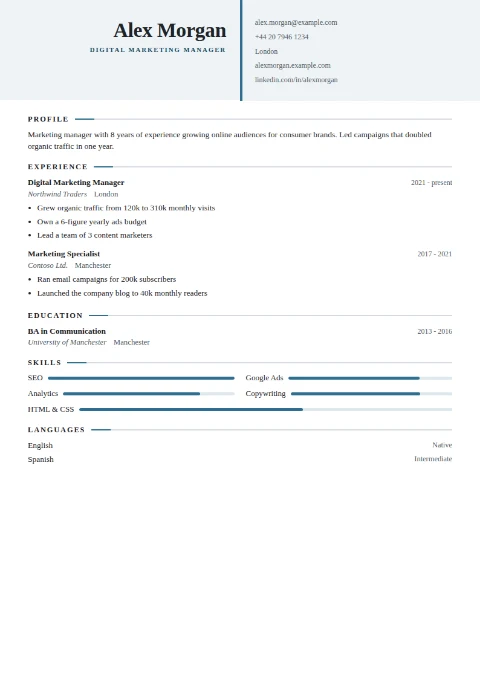
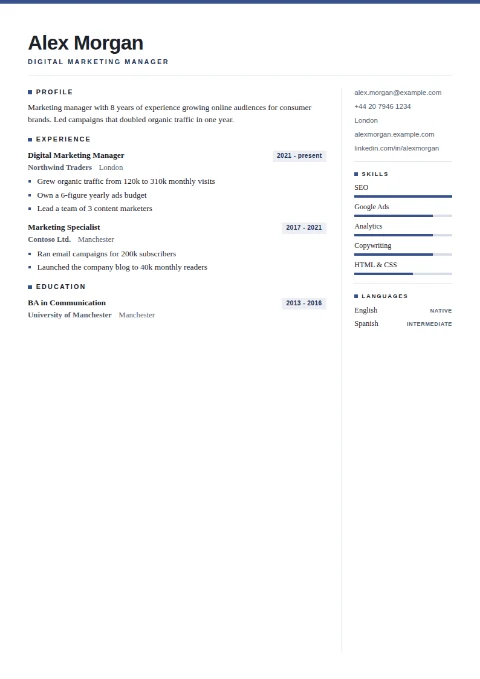
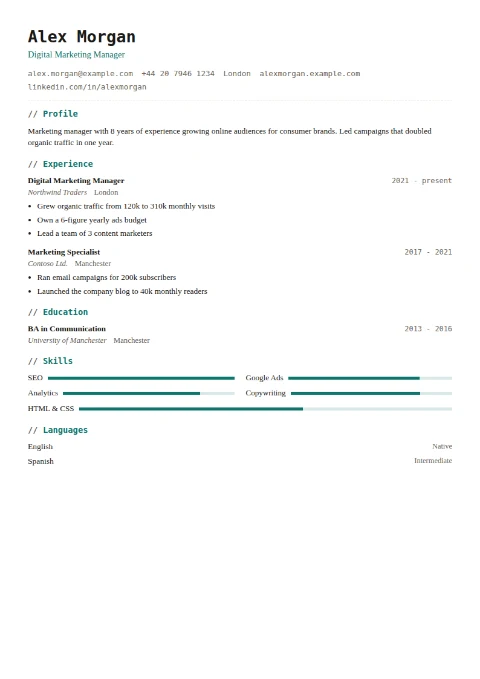
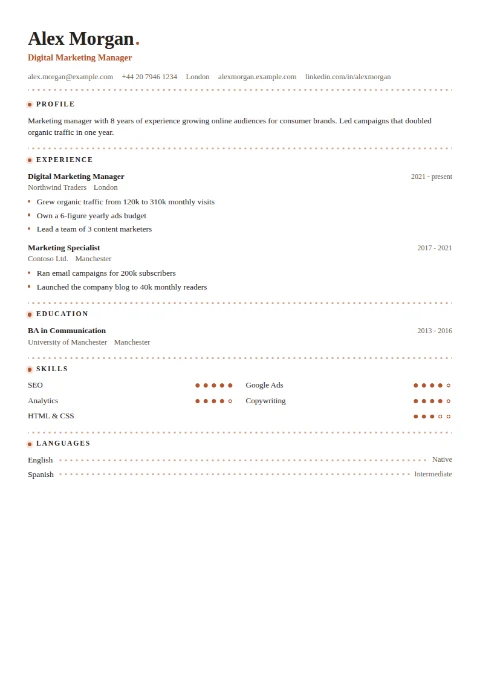
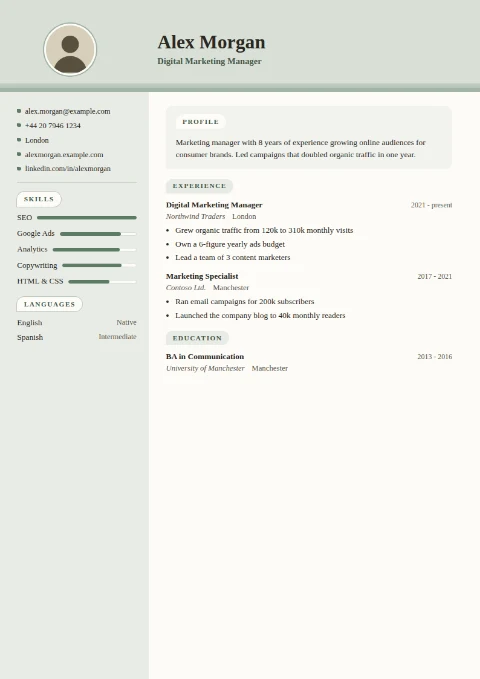
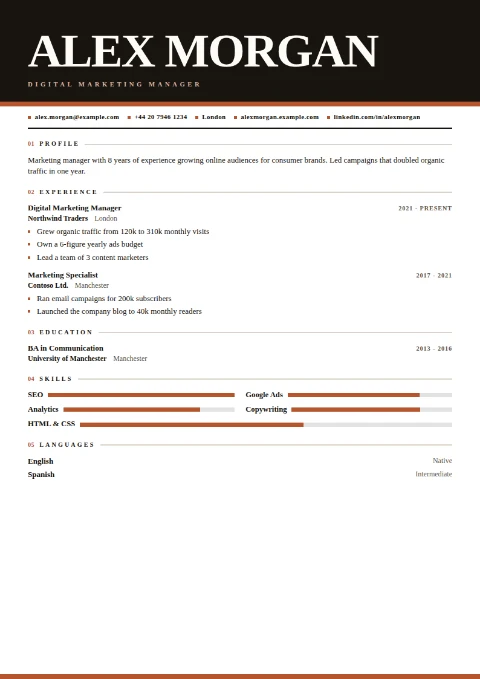
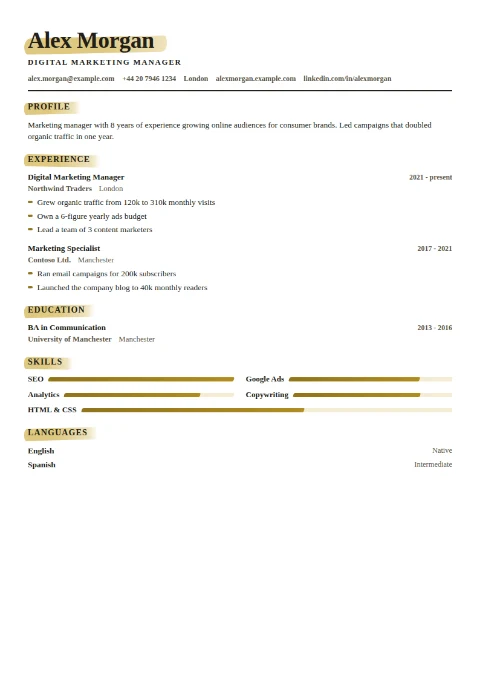
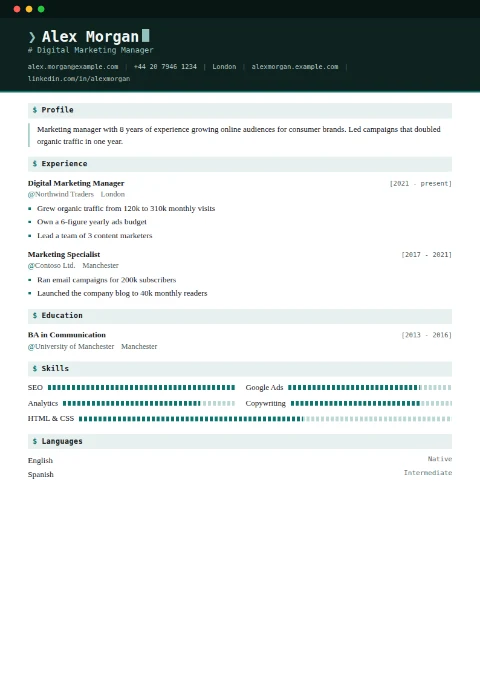
How it works
Most online CV builders let you do all the work, then lock the PDF download behind a subscription or stamp a watermark across the page. CvKit does neither. Every template, every color, and the final PDF are free, because the site is supported by simple ads instead of paywalls.
There is also no account and no cloud: your CV is stored only in your own browser and can be saved as a small data file you can re-load and edit any time. Personal data in a CV is sensitive, and the safest server for it is no server at all.
Frequently asked questions
Is this CV builder really free?
Yes, completely. Every template, every customization option, and the PDF download are free, with no trial, no premium tier, and no watermark. The site is supported by ads.
Do I need to create an account?
No. There is no sign-up, no email, and no login. Open the builder, type, and download your CV.
Is my personal data uploaded anywhere?
No. The builder runs entirely in your browser. Your CV is kept in your own browser's local storage and can be exported as a file you keep. Nothing you type is ever sent to a server.
How do I download my CV as a PDF?
Click Download PDF: your browser's print dialog opens with the CV laid out on A4 or US Letter. Choose "Save as PDF" as the destination. The result is a real text PDF that recruiters and ATS software can read, with no watermark.
Are the templates ATS-friendly?
The PDF is real selectable text in every template, which is what most modern tracking systems need. For strict corporate ATS pipelines, the dedicated ATS template uses one column, standard headings, and no graphics at all.
Can I edit my CV again later?
Yes. Your CV is saved automatically in your browser and is still there when you come back on the same device. For a portable backup, or to move between devices, use Save data to download a small file and load it again later.
Can I make my CV in my own language?
Yes. The builder interface is available in 18 languages, the section headings follow your language automatically, and you can rename any section, so the CV itself can be written in any language you like.